Generation Is Solved. Control Is the Problem.
Runway, Kling, Veo, Seedance, Sora - these models generate incredible footage. But here's why you still can't get exactly what you want.
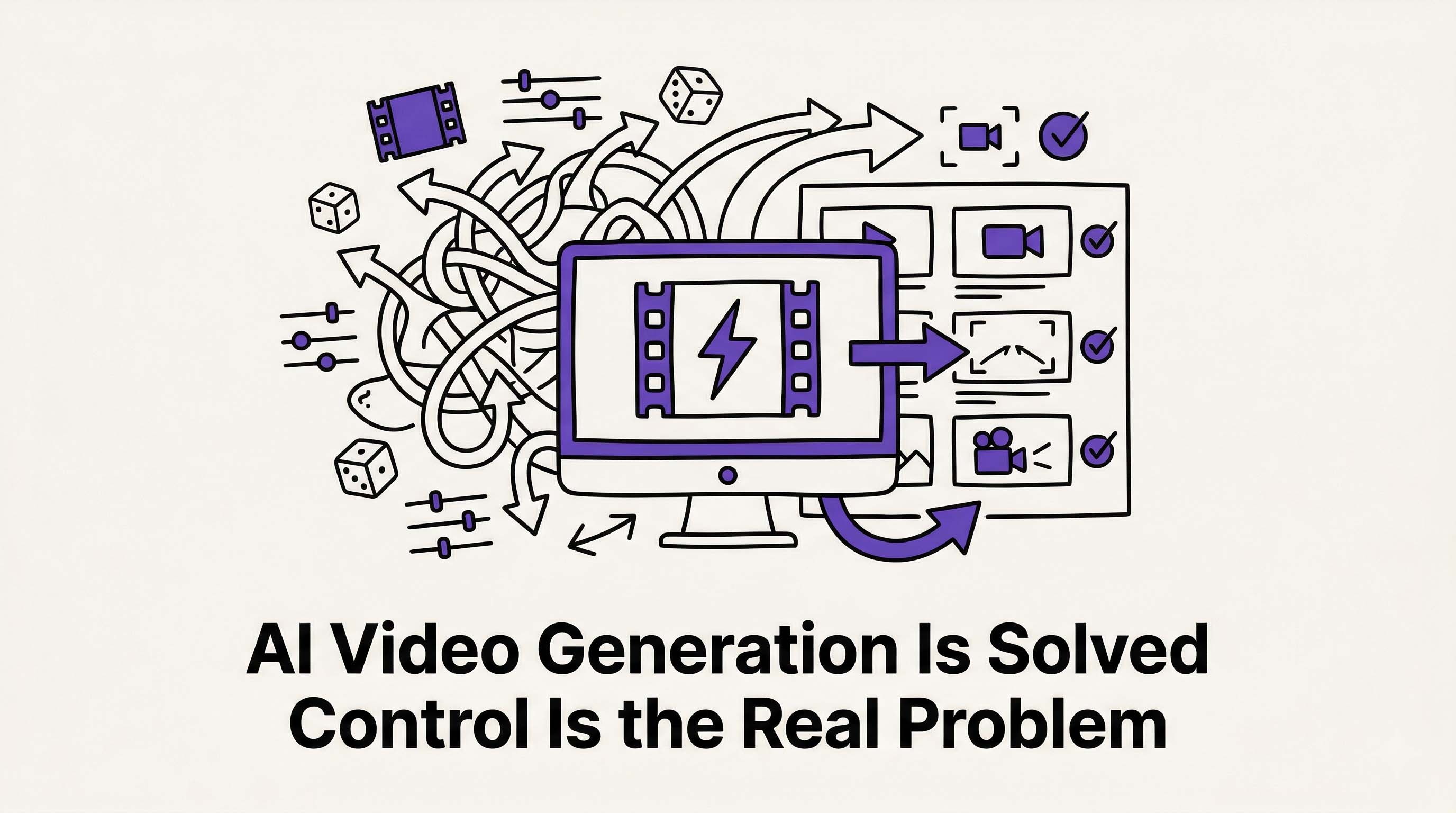 AI video models generate stunning footage, but precise creative control is still the real challenge. Illustration created with RizzGen.
I've spent the last 8 months deep in the AI video space, and I need to share something that's become increasingly clear: generation is not the problem anymore.
Runway, Kling, Veo, Seedance, Sora - these models generate footage that would have required a $50K production budget two years ago. Cinematic lighting, realistic physics, coherent motion. The generation problem, for all practical purposes, is solved.
But here's what frustrated me: I couldn't control what I was getting with any precision.
The Control Gap
Let me be clear about something technical: every AI video tool faces the same constraint. When you want to change a generated clip, you regenerate it. All of it. Runway, Kling, Veo, Seedance, Sora - same limitation. That's how diffusion models work right now. They don't "edit" - they hallucinate anew from noise.
Tools like InVideo and Pictory give you control at the template layer - editing, text overlays, basic customization. But at the generation layer, they're using the same models everyone else uses. When it comes to the actual pixels moving on screen, you're still rolling the dice.
The Core Problem: Current AI video tools optimize for "impressiveness per prompt," not "precision per intention." You get something cool, but rarely exactly what you pictured.
What was missing for me:
- Upload a character reference and have it appear consistently across multiple scenes
- Specify camera angles with precision (wide establishing shot vs intimate close-up)
- Control start and end frames for smooth transitions between clips
- Use different narration voices for different characters or scenes
- Make deliberate creative choices, not prompt gambles
I talked to other founders using AI video. The pattern was consistent: they loved the generation quality but felt creatively constrained. They wanted to direct the AI, not just prompt it and pray.
Why Prompt Engineering Fails for Narrative
Prompt engineering works for single images. You iterate 20 times, pick the best one, move on. But video is temporal and narrative. You need consistency across time.
Here's what happens when you try to make a 30-second product demo with existing tools:
- Scene 1: Generate "handsome man typing on laptop in coffee shop." Good.
- Scene 2: Generate "same man looking stressed at screen." Wait - different face, different shirt, different coffee shop.
- Scene 3: Generate "same man celebrating success." Now it's a different actor entirely.
You can't build narrative coherence when your protagonist shape-shifts between scenes. You're not directing; you're curating accidents.
The Technical Reality
Diffusion models sample from latent space. Every generation is a new random walk. "Seed" controls help for single clips, but cross-scene consistency requires architectural solutions, not prompt tricks.
Current workarounds are brittle:
- Image references: Most tools accept them, but characters still drift in appearance
- Motion controls: Control where motion happens, not what the motion conveys
- Camera controls: Pan, tilt, zoom - but not shot composition (wide vs medium vs close-up)
Honest Truth: If you need a character to wear the same blue shirt in five consecutive scenes, current AI video tools will make you fight for it. And you'll probably lose.
The Scene-Based Approach
So I built RizzGen with a different architecture: scene-based video composition.
Here's how it differs from prompt-to-video:
- Break your video into discrete scenes with explicit storyboard and script layers
- Upload character references, object references, start/end frames for each scene independently
- Specify camera angles and shot composition per scene (wide, medium, close-up, over-shoulder)
- Lock character consistency across scenes using embedding references - they stay visually locked
- Regenerate individual scenes without losing carefully set up characters and compositions
- Mix different AI models for different scenes (cinematic models for B-roll, character models for dialogue)
The key insight: you're not hoping the AI interprets your prompt correctly. You're directing specific elements - this character, this angle, this composition, this voice.
Under the Hood
RizzGen uses a layered architecture:
- Asset Layer: Character embeddings, object references, voice profiles stored as persistent vectors
- Scene Layer: Individual generation contexts with locked seeds and reference anchors
- Composition Layer: Shot types, camera motion, start/end frame constraints
- Narration Layer: Scene-specific voice synthesis with emotional tagging
Each layer is independently controllable. Change the camera angle in Scene 3 without touching the character consistency you've established across Scenes 1-5.
The Honest Tradeoff
Scene-based editing requires more setup than prompt-to-video. You can't just type "make me a product demo" and get instant output. You need to structure your story, define characters, set camera angles.
This is slower upfront. There's no getting around that.
But it saves time on iteration because you're making deliberate adjustments to specific scenes, not regenerating entire videos hoping for consistency. If Scene 4's lighting is wrong, you fix Scene 4. You don't regenerate Scenes 1-6 and hope the character still looks the same.
Choose Based on Your Actual Needs:
- Quick one-off clips where consistency doesn't matter? Use Runway/Kling/Veo directly. Faster, simpler.
- Multi-scene stories where control matters? Use scene-based editing. More setup, less frustration.
- Template-based marketing videos? Use InVideo/Pictory. Structured but rigid.
- Professional narrative content with characters? Use scene-based with full reference control.
What We Actually Built
I'm not claiming RizzGen generates "better" footage than Runway or Kling. The underlying models are similar. What we built is better control over what gets generated.
Scene-Based Architecture
Break videos into scenes. Each scene has independent controls for character references, camera angles, start/end frames, and voice narration. Regenerate Scene 3 without breaking Scene 2.
Character & Object Consistency
Upload reference images. We extract embeddings and lock them across scenes. Your protagonist stays your protagonist. Your product stays your product. No more shape-shifting.
Frame Control
Upload start frames and end frames for each scene. Control the visual bookends so transitions make sense. If Scene 1 ends with a close-up of a hand on a doorknob, Scene 2 can start with that door opening.
Camera Composition
Specify shot types: wide establishing, medium two-shot, close-up intimate, over-shoulder dialogue. Not just "camera moves left" but "this is a medium close-up with shallow depth of field."
Voice Per Scene
Different narration voices for different characters or emotional beats. The deep authoritative voice for the problem statement, the energetic voice for the solution.
Storyboard AI (Rizzi)
Generate initial storyboards with AI, then refine scene by scene. Rizzi understands narrative structure - setup, conflict, resolution - and suggests appropriate shots for each story beat.
Who This Is Actually For
RizzGen is designed for:
- Indie founders creating product demos with multiple feature walkthroughs
- Content creators who need the same host/consistency across a video series
- Educational content producers who need consistent "instructor" avatars
- Anyone who's felt the "prompt gambling" frustration - generating 20 versions and settling for the least bad one
- People willing to trade "instant" for "controlled"
NOT for: People who want one-click generation without setup, or those creating quick social clips where consistency between videos doesn't matter.
The Real Question
I'm building RizzGen because I needed it. But I need to know: is this a real problem for you, or am I too deep in my own bubble?
Do you actually need character consistency across scenes? Or is "good enough" generation fine for your workflow? Are you willing to spend 10 minutes setting up references to save 2 hours of regeneration frustration?
We are Live
RizzGen is now available for founders and creators building multi-scene video content. Stop wrestling with prompt consistency and start directing your AI.
If you have ever wished you could upload a character once and have it stay consistent across 10 scenes, this is built for you.
Start Creating Now or email us directly if you need help with your workflow.
Frequently Asked Questions
Does RizzGen use its own video generation models?
No. We integrate leading models (Runway, Kling, Veo, Seedance) but wrap them in a scene-based control layer. We don't compete on generation quality - we compete on generation control.
Why not just use Runway's "Image to Video" with character references?
Runway accepts image references, but doesn't lock character consistency across multiple independent generations. In RizzGen, character embeddings persist across your entire project. Scene 5 references the same locked embedding as Scene 1.
Is this just video editing software with AI features?
No. Traditional editors (Premiere, DaVinci) cut existing footage. RizzGen generates new footage with specific constraints. It's generation with control, not editing with effects.
How does this compare to Pictory or InVideo?
Those tools excel at templated content (text-to-video with stock footage). RizzGen is for original AI-generated footage with narrative consistency. Different use cases, different architectures.