How Character Consistency Works in Multi-Scene AI Video
Upload one photo. Generate fifty scenes. Keep your protagonist looking identical every time.
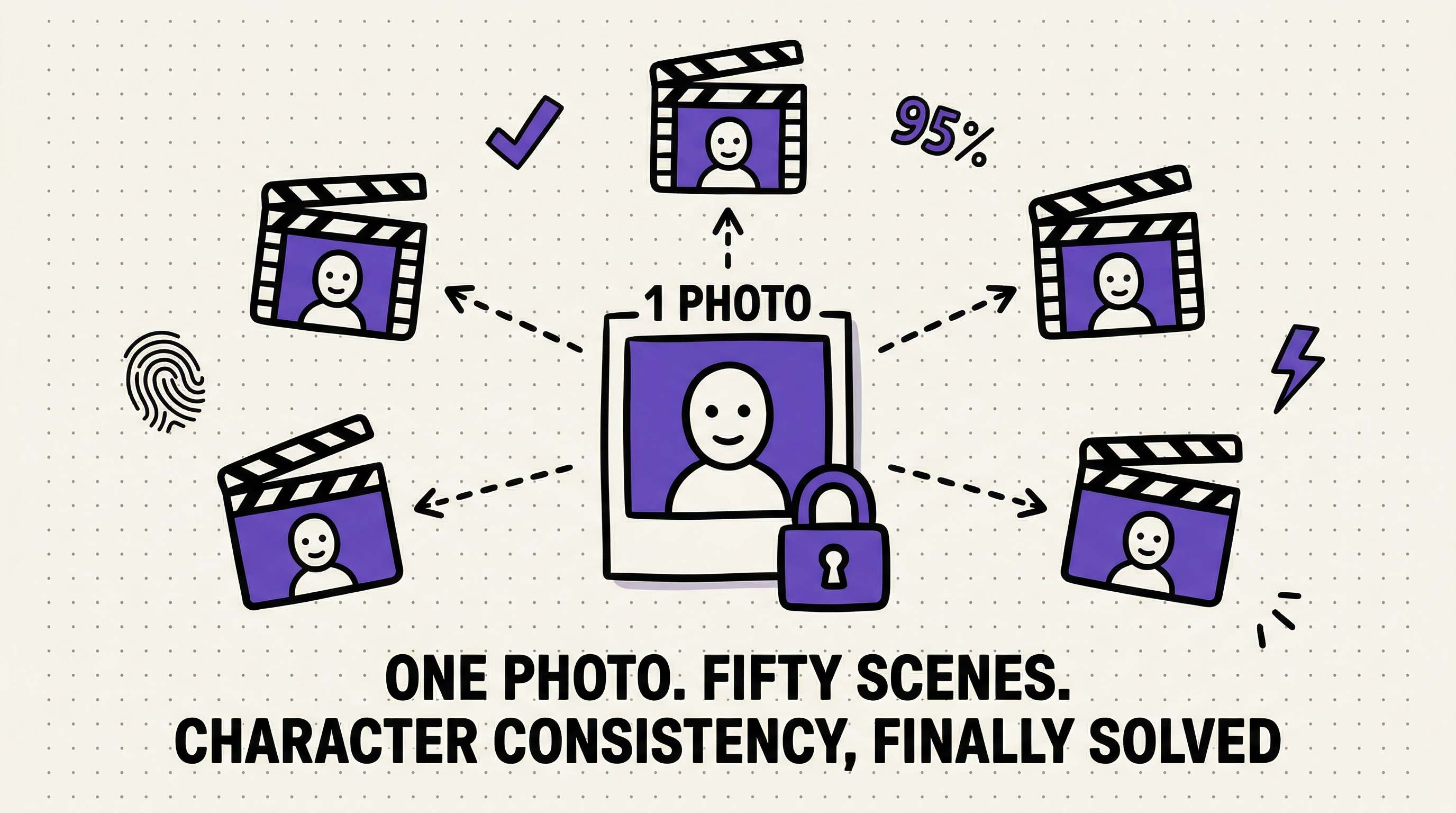 One reference photo locked across fifty AI-generated scenes. Illustration created with RizzGen.
You upload one photo of Sarah, your brand ambassador. You generate a product demo today, another next week, and a social media clip next month. In all three videos, Sarah looks exactly the same. Same face. Same hair. Same distinctive scar above her left eyebrow.
This is not luck. This is not writing better prompts ("middle-aged woman with brown hair and scar above left eyebrow"). This is reference locking.
Here is how we keep characters consistent across unlimited scenes without any technical setup.
The Character Drift Problem
Standard AI video tools have a consistency problem. When you generate "Sarah" in Scene 1 and "Sarah" in Scene 2, you get two different people.
Why? Because AI video generators start from random noise every time. Even if you use the exact same prompt, the random starting point creates a different result.
In a 10-scene video, "Sarah" becomes progressively stranger:
- Scene 1: Sarah with oval face and brown hair
- Scene 3: Sarah with rounder face and lighter hair
- Scene 5: Sarah with different nose and eye shape
- Scene 10: A completely different person
Viewers notice immediately. When your protagonist shape-shifts between scenes, the video feels broken.
The Simple Fix: Reference Locking
RizzGen uses a technology called reference locking. Instead of describing your character with words, you show us a photo.
Upload one clear image of Sarah. Our system analyzes her facial features, hair color, skin tone, and distinguishing marks. Then we lock those features in place.
When generating Scene 1, Scene 2, or Scene 50, the system references that original photo. Sarah looks like Sarah every time, regardless of:
- Different lighting between scenes
- Different camera angles
- Different expressions (smiling vs serious)
- Time gaps between generation sessions
How It Actually Works (Without the Jargon)
Think of it like a digital mold. When you upload Sarah's photo, we create a "digital fingerprint" of her appearance. This fingerprint captures:
- Face shape and proportions
- Skin tone and texture
- Hair color, length, and style
- Eye color and shape
- Distinguishing features (scars, moles, freckles)
This fingerprint is not the photo itself. It is a compressed description that says "this is what Sarah looks like."
Every time we generate a new scene, we check against this fingerprint. If the AI starts drifting toward a different face, we nudge it back toward Sarah. This happens automatically behind the scenes.
The One-Photo Advantage
Unlike other tools that require 20-50 training images or hours of setup, RizzGen needs just one good photo.
Why? Because we use advanced vision models that can extract a complete character profile from a single high-quality image. One photo contains enough visual information to lock the character across hundreds of scenes.
What You Can Change (And What Stays Locked)
Reference locking keeps identity consistent while allowing everything else to vary:
Stays the Same:
- Face structure and bone structure
- Skin tone
- Hair color and texture
- Distinguishing marks (scars, tattoos)
Can Change:
- Expression (smile, frown, surprise)
- Head angle (looking left, right, up, down)
- Lighting (bright daylight vs moody shadows)
- Clothing and accessories
- Background and setting
Sarah can be happy in Scene 1, serious in Scene 2, and walking through a park in Scene 3. But she still looks like Sarah.
Best Practices for Your Reference Photo
Since you only need one photo, make it count:
Photo Quality Checklist
- Resolution: At least 512x512 pixels (higher is better)
- Lighting: Even, natural light (avoid harsh shadows)
- Angle: Front-facing or slight angle (not full profile)
- Expression: Neutral expression works best
- Background: Simple background (not cluttered)
- Clarity: In focus, not blurry
What to Include
Make sure distinguishing features are visible in your one photo:
- If Sarah has a scar above her left eyebrow, show that area clearly
- If she wears glasses regularly, include them
- If she has distinctive hair color or style, make sure it is fully visible
Common Mistakes
Low resolution: A tiny 200x200 pixel photo does not provide enough detail. Use the highest resolution available.
Heavy filters: Instagram filters that change skin texture or add glow effects confuse the system. Use an unfiltered photo.
Group photos: Upload just Sarah, not Sarah and three friends. The system needs to know which person to lock.
Comparison With Other Methods
| Method | How It Works | Consistency | Setup Time |
|---|---|---|---|
| Prompt Engineering | Describe character in text ("blonde woman, blue eyes") | 20-30% | None |
| Image Reference | Use photo as first frame only | 40-50% | None |
| Model Training | Upload 20-50 photos, train custom model (30 minutes) | 85-95% | 30-60 minutes |
| RizzGen Reference Lock | Upload 1 photo, automatic locking | 90-95% | 10 seconds |
Prompt engineering fails because text cannot capture the nuance of a face. Model training works but takes too long for client work. RizzGen's reference locking gives you training-level consistency with just one photo.
Real World Use Cases
E-commerce Product Demos
Show the same hand model using 50 different products. The hand stays identical across all 50 videos, creating brand consistency even though the products change.
Course Content
Create 100 lessons with the same instructor avatar. Students see the same face in Lesson 1 and Lesson 100, building familiarity and trust.
Social Media Series
Generate a month's worth of TikToks featuring the same character. The protagonist stays consistent across every video, building audience recognition.
Multi-Scene Stories
Tell a story across 10 scenes with the same protagonist. Character A meets Character B in Scene 1, and both look the same in Scene 10.
Limitations to Know
Reference locking is powerful but not magic. Here are the honest constraints:
Angle Limits
If your reference photo shows Sarah from the front, the system can generate her from the front and slight angles. Extreme profile shots (90-degree side view) may drift because the system has to guess what the side of her face looks like.
Fix: For extreme angles, use a photo that shows more of the side of the face.
Accessory Changes
If Sarah wears glasses in the reference photo, she will tend to have glasses in generated videos. If you want her without glasses, the reference photo should not have them.
Fix: Upload a reference photo that matches your desired final look.
Lighting Carryover
If the reference photo has very dark shadows, the system may generate darker videos. Bright, even lighting in the reference produces the most flexible results.
How to Measure Consistency
We automatically score every generated scene for consistency:
- 90-100% match: Excellent. Looks like the same person.
- 80-89% match: Good. Minor variations only.
- Below 80%: Flagged for review. Character may look different.
If a scene scores below 90%, you can regenerate it instantly. No need to adjust prompts or upload new photos. Just click regenerate and the system tries again with tighter locking.
Scaling to 1000 Scenes
The reference photo you upload today works months from now. Sarah's digital fingerprint does not expire.
This means you can:
- Generate Episode 1 today
- Generate Episode 50 next month
- Generate Episode 100 next quarter
All three episodes feature identical Sarah, even though months have passed. The reference lock persists across your entire RizzGen account.
Lock Your Character in 10 Seconds
Upload one photo. Generate unlimited scenes with perfect consistency.
Try Reference Locking or email us for a demo.
FAQ
Do I really only need one photo?
Yes. One clear, front-facing photo is enough. The system extracts all necessary detail from a single high-quality image.
Can I use a screenshot from a video?
Yes, as long as it is clear and high resolution. Pause the video on a sharp frame and screenshot.
What if I want the same character but different clothes?
Clothing is separate from character locking. Upload a photo of Sarah in a red shirt. Generate videos where she wears blue, green, or formal wear. Her face stays the same.
Does this work for cartoon characters or logos?
Yes. Reference locking works for any visual subject: humans, cartoons, animals, products. If you can photograph it, you can lock it.
Can I lock multiple characters in one scene?
Yes. Upload a reference photo for Character A and Character B. The system maintains both identities in the same scene.